
Buying guide · Computer glasses
Computer Glasses: Match the Lens to Your Screens, Not the Label
A single laptop and two 27-inch monitors need different computer glasses, even with the same prescription. Here's how to tell which lens fits your desk, and how to order the right numbers.
The short answer
Computer glasses are glasses whose lens power is set for the distance and direction of a screen, roughly arm's length and slightly below eye level, instead of for the road or a book. That is the whole definition. A blue light filter can be added to them, but a filter on its own does not make a pair of computer glasses; it makes a pair of filtered glasses.
Who gets the most out of them is fairly predictable. People over about 40 whose reading glasses or progressives stop working at monitor distance gain the most. People under 40 with a small prescription they skip wearing come next. People with no prescription at all mostly gain an anti-glare coating and a dedicated desk pair, which is fine, as long as the price matches that.
The rest of this guide answers a question most computer glasses pages skip: how wide is your screen setup, and can the lens you're considering cover it without moving your head?
Why a screen breaks the glasses you already own
A screen sits in a spot no everyday lens is built for. OSHA's workstation guidance puts the preferred monitor distance at 20 to 40 inches, with the center of the screen 15 to 20 degrees below eye level. The American Academy of Ophthalmology suggests about 25 inches, roughly arm's length, with a slightly downward gaze.
Now compare that spot with what each everyday lens is designed for:
- Distance glasses are set for 20 feet and beyond. Under about 40, your eyes cover the gap by focusing harder. After 40, that reserve shrinks and screen text starts to soften.
- Reading glasses are set for a book at about 14 to 16 inches. A monitor at 25 inches is past their sharp range, so wearers lean in.
- Everyday progressives put the reading zone at the bottom of the lens and the in-between zone in a short, narrow band above it. Because the monitor sits close to straight ahead, wearers tip their chin up to look through that band.
OSHA even addresses the last case directly: it tells multifocal wearers to lower the monitor below the usual recommendation to keep the neck in a reasonable position. Computer glasses solve the same problem from the other side, by moving the right power to where the screen already is.
The Sweep Angle: how wide is your desk, in degrees?
Screen size in inches tells you little about glasses. What matters is how far your eyes have to swing from the middle of your screens to the edge, measured as an angle. We call that the Sweep Angle, and it decides which lens type will feel natural.
The reference point comes from eye-movement research. A 2021 PLOS ONE study by Franchak and colleagues summarizes decades of lab work: the eyes handle shifts under roughly 20 to 30 degrees mostly on their own, the head joins in beyond that, and people tend to keep their eyes within a comfortable range of about 25 degrees either side of center.
Here is the Sweep Angle for common US desk setups, center to edge, at typical viewing distances:
| Setup | Screen width | Distance | Sweep Angle | What your eyes do |
|---|---|---|---|---|
| 14-inch laptop | 11.9 in | 20 in | Eyes alone | |
| 15.6-inch laptop | 13.6 in | 20 in | Eyes alone | |
| 24-inch monitor | 20.9 in | 25 in | Eyes, at the edge of comfort | |
| 27-inch monitor | 23.5 in | 27 in | Eyes, at the edge of comfort | |
| 32-inch monitor | 27.9 in | 30 in | Eyes plus small head turns | |
| 34-inch ultrawide | 31.3 in | 28 in | Head turns regularly | |
| 49-inch super-ultrawide | 47.2 in | 32 in | Head turns every time | |
| Two 24-inch monitors | 41.8 in | 25 in | Head turns every time | |
| Two 27-inch monitors | 47.1 in | 28 in | Head turns every time |
The vertical line in each bar marks 25°, the comfortable eyes-only range. Blue bars stay inside it; amber bars go past it.
Calculated as the arctangent of half the screen width over the viewing distance; widths are the visible area of 16:9, 16:10, 21:9 and 32:9 panels.
What the Sweep Angle means for each lens type
The table matters because computer lenses differ in how much of the lens is sharp at screen distance.
Single-vision computer lenses
Fits: laptops, one monitor, up to ~25°
One screen-distance power across the whole lens. Your eyes can swing anywhere in the frame and stay sharp.
Everyday progressives
Fits: tight setups, short sessions
The screen-distance power sits in a narrow band between the distance and reading zones. Look sideways and you leave the band, so even a 17° laptop sweep may need small head turns.
Office progressives
Fits: screen + keyboard + paper
Also sold as occupational, computer or workspace progressives. They give up most or all of the distance zone so the screen and reading zones spread across more of the lens, as ZEISS's Officelens white paper explains.
Past about 30°, no lens removes head movement. That is normal and not a problem. What you want is that turning your head lands you on sharp text without hunting for it.
The Edge Check: a 30-second test at your desk
You can see which situation you're in with the glasses you already own.
- Sit as you normally work and open a page of small text that runs to both edges of your screen.
- Look at the center, then move only your eyes to the left edge, then the right edge.
- Now turn your head to each edge instead.
Under 40? Look at the small numbers first
If you're under 40, your eyes can usually still focus at a screen, so the Sweep Angle matters less. The more common issue is a small prescription you never bothered to wear, because it never bothered you on the road.
A 2012 study from the SUNY College of Optometry shows why that changes at a desk. Rosenfield and colleagues had young adults with normal vision read from a computer screen for 10 minutes with small amounts of astigmatism added through a lens.
Reading speed and error counts did not change across the three conditions.
That last result is the useful part. A small uncorrected number doesn't show up in your output, so it's easy to miss. It shows up as how your eyes feel at 4 p.m.
The Small-Number Rule
Before buying anything labeled computer glasses, check your most recent prescription for numbers you've been ignoring:
In this group, the best computer glasses are often just your first full-time glasses, worn where the work happens. Add an anti-glare coating and you've covered what the evidence supports.
Getting the numbers right for an online order
The standard US eyeglass prescription has no line for a screen. It lists your distance power (SPH, CYL, AXIS) and, if you're over about 40, an ADD for reading at book distance. A computer pair needs a power for your screen distance, which sits between the two. Here is how to get it without guessing.
Measure your real screen distance before the exam
Sit the way you work and measure from the bridge of your nose to the screen with a tape measure. Note the main monitor and, if you use one, the laptop. Bring both numbers to your exam, along with your Sweep Angle from the table above.
Ask for a written computer prescription
Ask your eye doctor to write the screen-distance power as its own prescription, labeled for computer or intermediate use. It is usually a weaker near power than your reading ADD, but the right amount depends on your distance and your eyes, so let the doctor set it rather than estimating from the reading number.
You're entitled to the written copy. Under the FTC's updated Eyeglass Rule, prescribers must give you your prescription right after the exam, on paper or electronically, without you having to ask.
Use the right pupillary distance
Your eyes turn slightly inward for anything close, so the distance between your pupils shrinks a little at a screen and a little more at a book. Order forms usually ask for one PD, and the right value depends on which distance the lens is for.
| Distance PD | At a book (16 in) | At a screen (25 in) | At a screen (30 in) |
|---|---|---|---|
| 60 mm | ≈ 56 mm | ≈ 57.5 mm | ≈ 58 mm |
| 63 mm | ≈ 59 mm | ≈ 60.5 mm | ≈ 61 mm |
| 66 mm | ≈ 62 mm | ≈ 63.5 mm | ≈ 63.5 mm |
Estimated from standard eye geometry, with each eye's center of rotation about 27 mm behind the lens. Use the value your eye doctor or optician gives you if it differs.
The practical takeaway: a computer pair made with your reading PD sits about 1 to 2 mm too narrow, and one made with your distance PD sits about 2 to 3 mm too wide. For single-vision computer lenses at low powers, that is rarely noticeable. For office progressives, ask which PD the lens design expects.
Decide about your phone in advance
Phones are held closer than screens or books. A 2011 SUNY study in Optometry and Vision Science found people held text messages at about 14 inches and web pages at about 12.6 inches. If you're over 40, a single-vision computer pair will likely blur your phone. If that bothers you, an office progressive, which keeps a reading zone at the bottom, is the better fit.
Who pays: three US routes worth checking
A computer pair is usually a second pair, so it's worth checking whether someone else covers part of it before paying out of pocket.
Employer computer vision benefit
Some employers buy a separate screen-work plan, such as VSP Computer VisionCare, which adds an exam and eyewear allowance for computer glasses on top of regular vision coverage. Ask HR whether yours has one; it's easy to miss in open enrollment.
Best for full-time desk workers at larger employers
FSA or HSA
IRS Publication 502 lets you count eye exams and eyeglasses "needed for medical reasons" as medical expenses. Computer glasses made to a prescription fit that description. Non-prescription blue light glasses generally don't, unless your plan accepts a letter of medical necessity.
Best for anyone with a written computer prescription
Vision insurance, out of network
Many plans reimburse a set amount for frames and lenses bought from an out-of-network retailer. Check whether the plan's frequency limit treats a computer pair as your one pair for the year.
Best for people whose main glasses are already covered
If you're in the gray zone, the written computer prescription from your exam is what settles most FSA, HSA and reimbursement questions, so ask for it even if you're unsure you'll buy.
What computer glasses won't change
Computer glasses fix focus and position. They don't change three other things that make screen days uncomfortable, so it helps to know which one you're dealing with.
- Blinking. The AAO notes that people blink less while staring at screens. Dry, gritty or burning eyes point here, not to your lens power. Breaks, the 20-20-20 habit and artificial tears address it; glasses don't.
- Glare from the room. A window behind you or an overhead light reflecting off a glossy screen is a room problem. An anti-glare coating handles reflections off your lenses, not off the monitor. Our anti-glare guide covers what the coating does and doesn't do.
- Screen settings. Text that is too small makes everyone lean in. Raising the zoom to 125% before buying anything is a free test of whether size, not focus, is the issue.
Blue light filters belong in the same honest category: the AAO does not recommend special eyewear for computer use, citing a lack of evidence that screen light harms the eyes. If you like the feel of a filter, it can be added to computer glasses. Just don't let it replace the screen-distance power, which is the part that does the work.
Building computer glasses at Aoolia
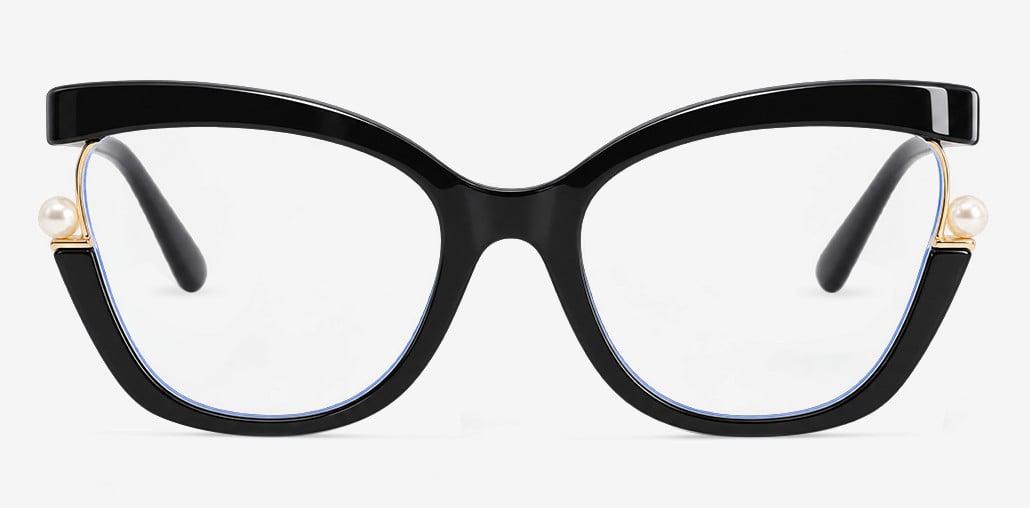
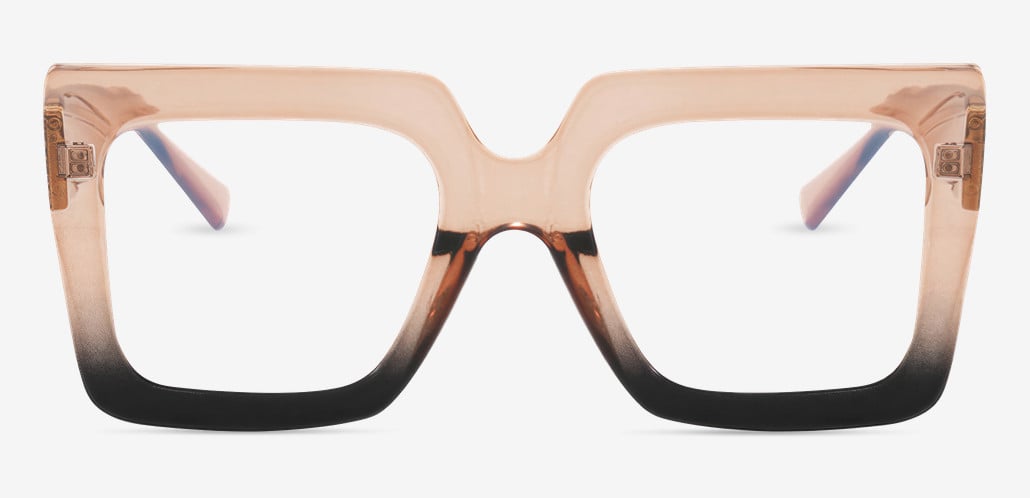
At Aoolia, computer glasses start with the frame and are set up in the lens step.
If your eye doctor wrote a separate computer prescription, enter those numbers as a single-vision order; the lab makes the lens to the power you enter, whatever distance it was written for. If you need screen, keyboard and paper sharp from one pair, ask your doctor which lens design the prescription assumes before choosing progressive lenses. An everyday progressive will bring back the narrow screen band described in the Sweep Angle section.
A few practical points for a desk pair:
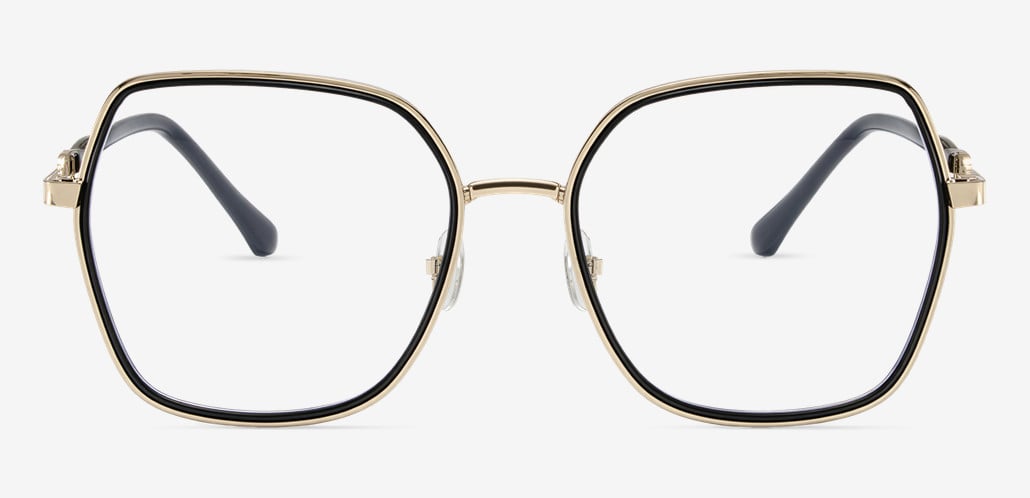
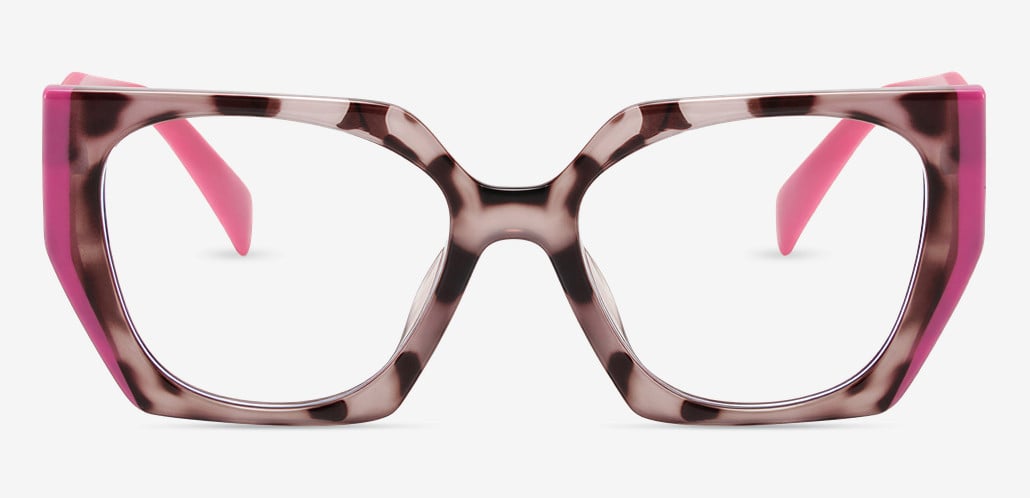
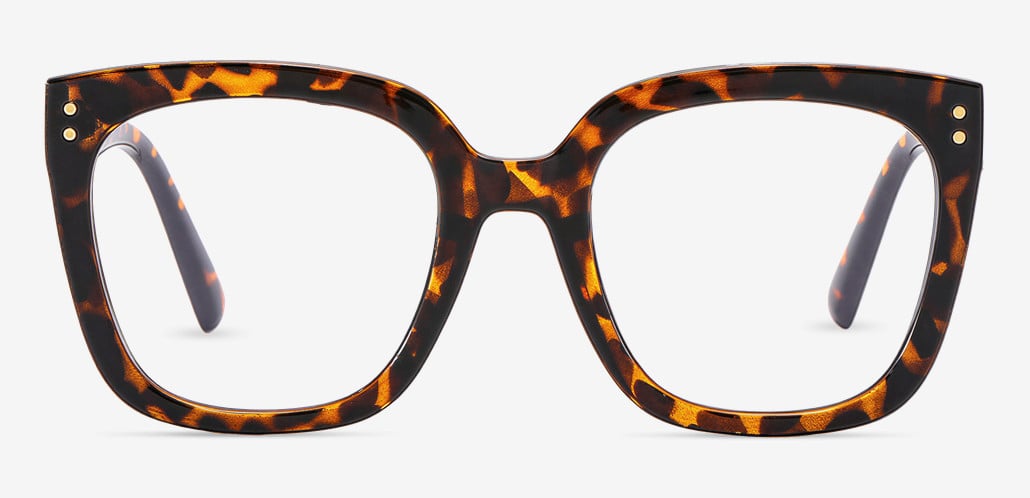
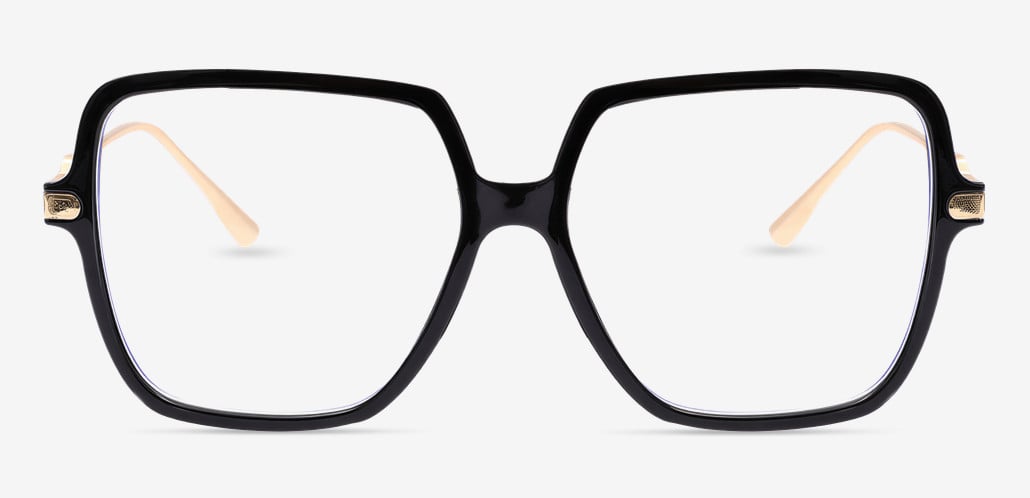
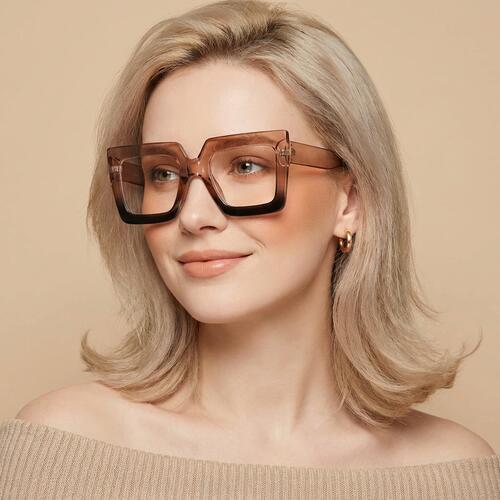
- Frame size. Because a single-vision computer lens is sharp across its full width, a wider lens gives your eyes more room before your head has to turn. Use the virtual try-on to compare.
- Anti-glare coating. Worth keeping on a pair you'll wear under office lights all day.
- Returns. Use the return window to run the Edge Check at your own desk.
Browse eyeglassesCompare frame sizes in the virtual try-on before you choose lenses.
Quick answers
Do computer glasses work?
They work when the problem is focus or head position at the screen: people over 40 whose current glasses don't cover monitor distance, and people with small uncorrected prescriptions. They do little for dry eyes or room glare, and a blue light filter alone does not turn glasses into computer glasses.
Computer glasses vs reading glasses: what's the difference?
Reading glasses are set for about 14 to 16 inches. Computer glasses are set for your screen, usually 20 to 30 inches, so their near power is lower. Reading glasses at a monitor make you lean in; computer glasses at a book make you hold it farther away.
Are computer glasses the same as blue light glasses?
No. Computer glasses are defined by their lens power for screen distance. Blue light glasses are defined by a filter, often with no power at all. Some products are sold under both names, so check whether a pair lists a power or only a filter.
Can I wear computer glasses all day or while driving?
You can wear them all day at your desk. Don't drive in them: single-vision computer lenses and office progressives blur distant objects by design.
Do I need a prescription for computer glasses?
If you're over about 40, yes, a written screen-distance prescription is the reliable route. If you're under 40 with no prescription, a no-power pair with an anti-glare coating is an option, but an eye exam is the better first step if your eyes are bothering you.
Can I use my progressives for the computer?
You can, and many people do. If the Edge Check shows soft edges or you tip your chin up, a dedicated computer pair or an office progressive will usually feel better, or you can lower your monitor as OSHA suggests for multifocal wearers.
Do computer glasses work with two monitors?
With two monitors your Sweep Angle is around 40 degrees, so your head will turn no matter which lens you wear. Put the monitor you use most directly in front of you and choose a lens that is sharp wherever your head lands, usually single-vision computer lenses or an office progressive.
Sources
- OSHA eTool: Computer Workstations, Monitors: viewing distance, viewing angle, guidance for multifocal wearers
- American Academy of Ophthalmology: Are Blue Light-Blocking Glasses Worth It?: screen distance, blinking, blue light position (reviewed March 2021)
- Franchak, McGee & Blanch, PLOS ONE, 2021: eye and head contributions to gaze shifts
- Rosenfield, Hue, Huang & Bababekova, Ophthalmic & Physiological Optics, 2012: induced astigmatism and symptoms at a computer screen
- Bababekova, Rosenfield et al., Optometry and Vision Science, 2011 (summary): smartphone viewing distances
- ZEISS Officelens white paper: occupational progressive lens design
- FTC: Eyeglass Rule updates (June 2024): your right to a prescription copy
- IRS Publication 502 (2025): eye exams and eyeglasses as medical expenses
- VSP Computer VisionCare summary (Purdue University benefits): example employer computer vision benefit
Sweep Angle and PD figures are calculated by Aoolia from standard screen dimensions and eye geometry. This article is general information and doesn't replace an eye exam.